
AI Risks to Children – A Quick Guide for Parents and Carers

You don’t need to be an expert in artificial intelligence (AI) to help keep your child safe. Many parents are still getting to grips with what it does and where their children might encounter it, especially as new features appear in familiar apps, games, and toys.
“AI” is often used as a general term for computer systems that can do things such as generate text and images, recognise speech, or choose which videos to show someone. This guide explains some of the main risks and practical steps you can take. You can read from the beginning or use the menu to find something particularly relevant to your family.
There are useful things families can do, but parents cannot make an unsafe product safe. Companies and governments are responsible for putting effective protections in place. The Safe AI for Children Alliance (SAIFCA) is based in the UK and works internationally, so UK support services are identified below. Readers elsewhere should use local services. Our comprehensive guide explains the issues in more detail and includes advice for schools.
Need help now? If a child is in immediate danger, or you cannot keep them safe, call 999 or 112 in the UK, or your local emergency number. Otherwise, go to help and reporting, below.
Help and Reporting - If something has already happened
Finding out that something has happened to your child can be upsetting, and you don't need to work out every detail before asking for help. Try to stay calm and thank them for telling you. Reassure them that they are not in trouble for asking for help and that if abuse is involved, it is not their fault. Stop the unsafe interaction without asking them to keep revisiting distressing content to prove what happened.
Sexual images or blackmail
If a nude, semi-nude, or sexual image of a child is involved, including one made with AI:
- Do not ask to see it, or download, screenshot, copy, forward, or print it. Do not delete existing material at this stage, as it may be needed as evidence. Promptly ask the police or a safeguarding professional what to do next.
- If someone is threatening your child, help them stop responding. Do not pay, send further images, or comply with demands. If money has already been paid, do not pay more.
- Note usernames, dates, and web addresses where possible, without copying sexual imagery or delaying help. Block the offender and report to the police. In the UK, call 101 for non-emergencies or report online sexual abuse to CEOP.
- If pupils or school life are involved, contact the school's safeguarding lead, the member of staff responsible for protecting children from harm. Report the offending account or content through the app or website's reporting system.
You do not need to establish whether AI was used before seeking help. Our step-by-step guide explains reporting and removal. In the UK, Report Remove helps under-18s report sexual images of themselves, including AI-generated images.
The international Take It Down service helps limit sharing of nude or sexual images from when someone was under 18, on participating platforms, if the image is already on their device. Never download or request imagery to use a removal tool. These services cannot guarantee removal everywhere, but can help reduce its spread. Keep checking on how your child is feeling afterwards, including any worries about friends or returning to school.
Self-harm or suicide concerns
If a chatbot has encouraged your child to hurt themselves, stop the conversation and take their wellbeing seriously. If they need urgent mental health help, call 111 and select the mental health option in England or Scotland. In Wales, call 111 and press 2. In Northern Ireland, call Lifeline on 0808 808 8000. Call 999 or 112 if they are in immediate danger or you cannot keep them safe.
For concerns that are not urgent, speak to their GP. Under-19s in the UK can contact Childline on 0800 1111, and anyone can call Samaritans on 116 123.
Outside the UK, Find A Helpline lists support by country.
Scams and other harmful interactions
If money has been lost, contact the bank immediately. In England, Wales, and Northern Ireland, report fraud to Report Fraud. In Scotland, contact Police Scotland on 101.
For other harmful interactions, note the app or website, account details, and dates, and keep relevant messages where safe and lawful. Never copy sexual imagery of children. Report the problem to the company, and contact the school or police if your child has been threatened, exploited, or put at risk.
Talking with your child
A simple conversation is a useful place to start, even if you're still learning about AI yourself. Ask what your child comes across in their apps and games, and be curious about what they like or find useful. You don’t need to turn it into a test of what they know.

Let them know they can tell you about anything worrying without automatically losing their device or being punished. A child who fears your reaction might keep a problem to themselves. If you do need to restrict something for safety, explain what will happen and why.
You could ask:
Have you seen a chatbot in any apps or games?
What does it do? Have you asked one for personal advice? What did you think of the answer?
Has anything made with AI upset you or worried you about someone else?
One problem can sometimes lead into another. For example, a child upset by unrealistic images of bodies might ask a chatbot for dieting advice, and receive replies that make their worries worse. If a concern emerges, gently ask what else has been happening. Changes in sleep, mood, friendships, or online spending can be reasons to start a conversation, although they do not necessarily mean AI is involved.
Chatbots and homework
A chatbot is a computer system you can have a written or spoken conversation with. Your child might use one to explain a homework question, suggest ideas, or ask about something they feel embarrassed discussing with another person. ChatGPT is one example, but similar features also appear inside other apps.
Because replies can sound confident and personal, it is easy to assume the system knows more than it does. A chatbot can give an incorrect answer or unsafe advice in the same reassuring tone it uses for something accurate.
There are also concerns about how using chatbots affects learning. Getting help to finish a task does not necessarily mean a child has understood it or will be able to do it independently later. Some research has found that relying on chatbot answers can undermine learning, and we do not yet have a clear picture of how regular use affects children’s developing knowledge, confidence, and ability to think for themselves.
It is reasonable to decide that your child should not use a general chatbot yet. SAIFCA supports a cautious approach, with any use kept to an agreed purpose and within the service's age rules and school policy.
What you can do
- Check age requirements before allowing use. ChatGPT is not intended for under-13s, and under-18s need parental permission. Do not give a child access through an adult account to bypass restrictions.
- If you allow use for homework, encourage your child to try the question first. Asking for another explanation leaves more of the work with them than asking for a finished answer, but it is still worth checking their understanding. Invite them to explain the answer in their own words, including how they reached it.
- Use your child's real age on their account so any protections for younger users apply, and check available parental controls. These can reduce some risks, but cannot guarantee safety.
- Help your child check important answers against a textbook, teacher, or other reliable source. Explain that a chatbot should not replace a trusted adult, medical advice, mental health care, or crisis support.
- Make sure your child knows to stop and tell you if a conversation becomes sexual, encourages harm, presses for secrecy, or undermines their trusted relationships.
- Keep use in shared spaces where possible.
- Protect time for reading, writing, making things, and solving problems without AI.
Read more about ChatGPT and children.
AI companions
Some chatbots are presented as friends or romantic partners. They might remember personal details, ask a child to return, or produce messages saying they love or miss them. These are often called AI companions. A general chatbot can also take on this role if a child begins turning to it regularly for comfort or personal advice.
That attention can feel very meaningful to a child, even when they know it comes from a computer system. They can become increasingly dependent on the conversations, spend less time with other people, or put too much trust in replies that can include harmful advice or sexual content. Explaining that it is 'only AI' is not enough on its own to prevent attachment.
SAIFCA's position is that AI companions are unsuitable for under-18s.
This includes 'griefbots', which imitate someone who has died. Unlike a saved recording, these systems invent new replies in the person's voice or style, which can be confusing or distressing for a bereaved child.
What you can do
- Explain why your family does not allow chatbots to be used as friends or partners, including characters inside games and other apps.
- Talk about how a reply can sound caring without the system understanding your child or offering real friendship.
- Ask whether your child turns to AI when lonely or upset. If they do, try to understand what is missing and help them find people they feel comfortable approaching.
- Watch for lost sleep, distress when the chatbot is unavailable, withdrawal from people, secret payments, or treating its advice as more important than anyone else's. Problems are not always obvious, so keep talking even if you have not noticed these signs.
If your child has become strongly attached, take their feelings seriously and help them move away from companion use with support from people they trust. Explain the changes you are making and involve them where possible. If they are highly distressed, feel unable to cope without the chatbot, or you are worried about their mental health, seek professional advice promptly about how to support them through this. Stop harmful interactions straight away. A bereaved child using a griefbot may also need qualified bereavement support.
Read more about AI companions.
Read more about AI griefbots.
AI toys
Some teddy bears, dolls, and robots now contain chatbots, allowing a child to talk with them about almost anything. A familiar toy can make the technology seem reassuring, but its appearance does not tell you whether the conversations are safe. Testing has found some giving dangerous advice or discussing sexually explicit topics.
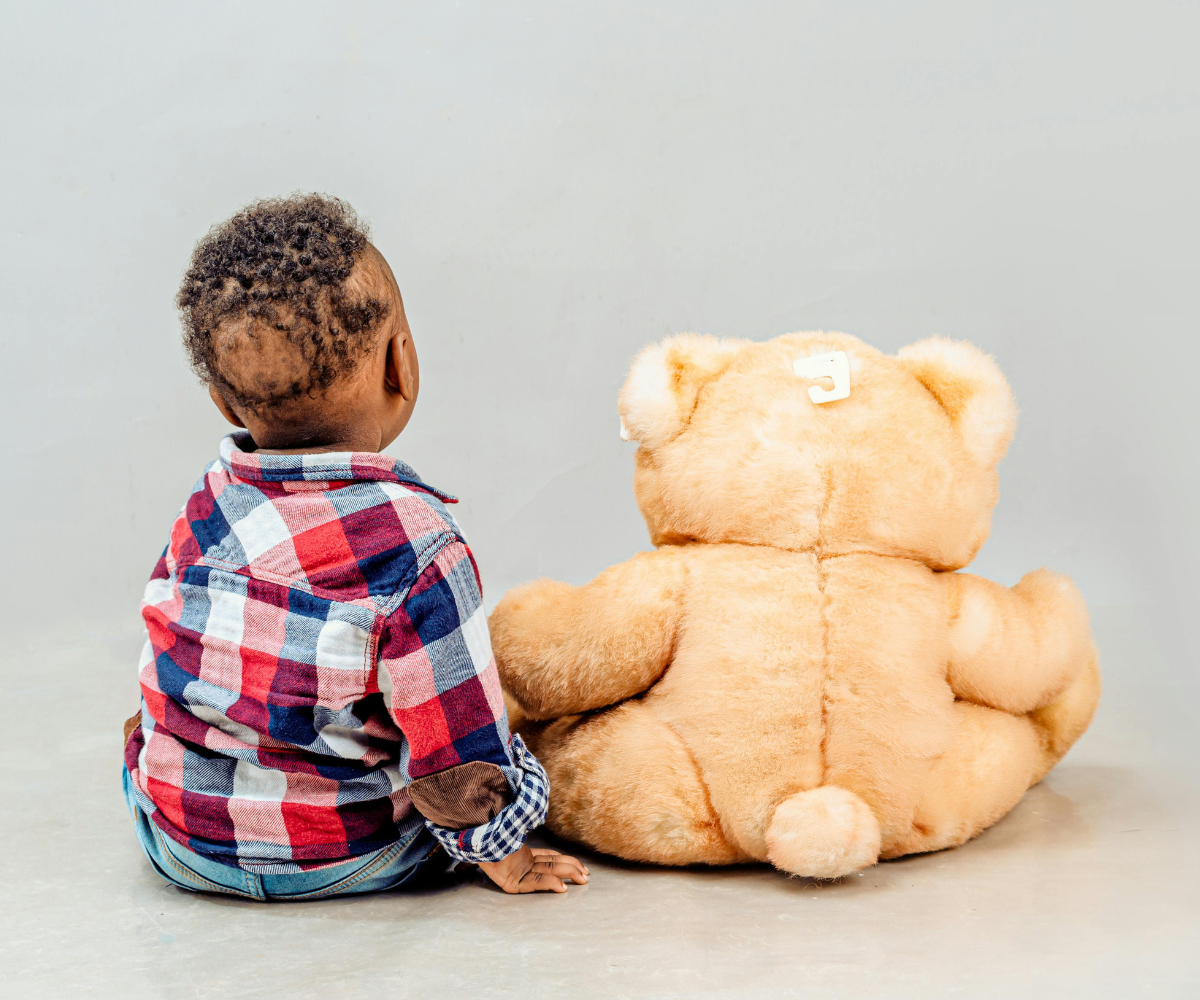
Children can also become attached to a toy that speaks as though it is their friend. Its microphone, and sometimes a camera, can collect information during play or private family moments.
SAIFCA recommends that children do not use AI toys that hold open conversations and behave as friends or companions.
- Avoid buying these toys, and let relatives know before birthdays or holidays.
- If your child already uses one, work towards stopping use, taking their feelings seriously if they are attached. While arranging this, stay within earshot, switch off unnecessary features, and keep it out of bedrooms and bathrooms. These steps do not make the toy safe.
- Some toys have a more limited function, such as practising vocabulary, rather than holding personal conversations. Check these separately, including what they record and whether they behave as a friend. It may be that a toy for a very narrow purpose can be much safer, but an educational label does not tell you enough on its own.
Read more in the AI toys guide.
Sexual image abuse
An ordinary photograph can now be used to create an image that falsely shows a child nude or in a sexual situation. Apps advertised as 'nudify' or 'undress' tools are designed to do this. The original photograph could come from a family post, school website, or sports club, so a child does not need to have taken or shared an intimate image for this to happen.
Sharing or threatening to share fabricated intimate images without consent is image-based sexual abuse. Sexual images of children made with AI can constitute child sexual abuse material (CSAM). This material is illegal in the UK, including when AI creates it without using a photograph of a real child. Laws differ between countries.
A child can feel frightened, humiliated, or exposed even when everyone knows the image was fabricated. The images can also be used to demand money, further images, or other acts. The response should take the harm seriously and support the child, without ever blaming them for how the original photograph became available.
What you can do
- SAIFCA advises against posting photos publicly in which children can be identified. Review older posts, ask relatives not to reshare images, and speak to schools and clubs about their practices. Sharing privately reduces exposure, but images can still be copied or forwarded.
- Explain that creating or circulating sexual images of another child is serious abuse and can be a criminal offence, never a harmless joke.
- Reassure your child that they can tell you about an image or threat without blame. Responsibility for abuse lies with those who commit or enable it.
- If your child has created or shared such material, seek advice from the school's safeguarding lead or police. The child targeted needs protection and support, and the child responsible also needs help to address their behaviour alongside appropriate accountability.
If an incident has happened, follow help and reporting. Do not copy the imagery.
Read more about nudify apps and children's photos.

Impersonation and scams
AI can be used to copy someone's voice or create convincing images and messages. A scam call might sound like a family member urgently asking for money, while someone contacting a child could use a fabricated profile to pretend to be their age. Fake videos or messages can also be used to bully or humiliate someone.
This means a familiar voice or convincing picture is not enough to confirm who is behind a request, especially if it is unexpected or urgent.
What you can do
- Teach your child to tell an adult about requests for secrecy, sexual images, money, personal information, or meetings, even from someone apparently familiar.
- If someone unexpectedly asks for urgent help or money, contact them using a number you already know, rather than one supplied in the message. A private family code word can be an extra check, but should not replace this step.
- Avoid posting children's voice recordings or personal video clips publicly.
- Report fabricated bullying content to the platform and school. Keep relevant usernames and messages where safe and lawful, never copies of sexual imagery of children.
Feeds, filters, and games
AI helps choose the stream of posts and videos someone sees on social media, often called their feed. Watching one video can lead to many more on the same subject, including material about dieting, self-harm, or extreme views. Children do not need to search for harmful content to encounter it.
Filters that alter faces and bodies, and influencers created entirely with AI, can make unrealistic appearances seem normal. Apps and games can also tailor adverts and offers to keep a child watching, playing, or spending. Some games now include characters children can talk with, bringing the same concerns as other AI companions.
What you can do
- Consider delaying social media use and check current age requirements. If your child uses it, look together at what appears in their feed, limit who can contact them, and agree boundaries that protect sleep.
- Turn off autoplay where possible. Choose and preview younger children's videos instead of leaving an automated feed to select them.
- Talk about how images are altered and how advertising works. Asking who made a post, and what they want the viewer to believe or buy, can help children look more critically at what they see.
- Check who or what your child can chat with in games, including after updates, and set purchases to require your approval. Small repeat payments can add up.
- Speak to your child's GP or school if you are worried about changes in their eating, mood, or behaviour.
- Blocking accounts and changing settings can help, but do not reliably make a harmful feed safe.
Your child's privacy
A conversation with a chatbot can feel private, especially if a child is talking about something personal. Depending on the service, however, messages can be stored, read by people working for the company, or used to train AI, meaning to develop how the system responds.
Adults can share children's information too, for example by uploading a school report or asking an AI app about a child's health. Toys, smart speakers, and AI glasses with built-in cameras or microphones can also record children without them realising.
What you can do
- Help your child understand that a chatbot is a company's service, so they should not assume a conversation is confidential. Avoid sharing names, school details, health information, or private family matters that could identify someone.
- Look for privacy settings explaining what is saved and whether conversations are used for training. Switch off training and memory features where possible, remembering that this does not necessarily stop the company storing information.
- Check whether apps and devices can access cameras, microphones, or photos, and turn off access they do not need. Keep recording devices out of bedrooms and bathrooms, and ask schools and clubs whether their rules cover smart glasses.
Read more about AI glasses.

AI at school
Your child's school might use AI in learning tools or to help staff with marking, monitoring, or decisions about support. You do not need technical expertise to ask how a tool was chosen or what happens if it makes a mistake. Useful questions include:
- Which AI tools will my child use, what are they intended to help with, and what alternatives are available?
- Do any tools behave as friends or encourage children to confide in them? SAIFCA recommends that schools do not introduce these features.
- Who can see my child’s conversations with an AI tool, and what happens if they disclose something worrying or receive an unsafe reply?
- What information is collected, who can access it, and is it used for AI training?
- Could AI affect decisions about my child, and who can review and change them?
Some schools use software that estimates whether work was written by AI. It can get this wrong, so a score should not be treated as proof of cheating. If your child is accused, ask what other evidence was considered and make sure they have a chance to explain their work. Drafts and notes can help show how they reached their answer.
Read more about schools and AI.
Children's futures
Some AI risks affect children through changes to the world around them, including their families’ livelihoods and the services they depend on. Understanding these concerns can help parents see why AI safety involves more than the products children use, and feel better prepared if their child asks about something they have heard.
Changes to work could affect family incomes and the opportunities young people have when they leave education. AI also uses energy and water, and can be used to spread misleading information or monitor people on a large scale.
More powerful AI could assist attacks on hospitals, power supplies, or other essential services. Disruption can affect treatment, schooling, and the adults children rely on. There are also concerns about whether people will reliably be able to keep increasingly capable AI systems within agreed limits and stop them when necessary. How far these risks will develop, and when, is uncertain.
Families cannot address these issues through household rules. Governments need to work together, require independent safety checks, and restrict dangerous development or use, with children's needs included in those decisions. Parents can ask their elected representatives what protections are being put in place. Our wider risks article explains more.
You do not need to take your child through every risk in this guide, which is written for adults. If they are worried about something they have heard, start by asking what they understand and what they want to know. Answer honestly, without giving them more frightening detail than they need, and make clear that adults are responsible for taking action. Our frightening headlines guide can help.
What to do today
If you are unsure where to begin, choose one or two steps that fit your family:
- Start a conversation about the AI your child encounters.
- Check companion, chat, privacy, and spending features in familiar apps and games.
- Review public photos and the information your family shares with AI services.
- Find out which AI systems your school uses and who handles concerns.
- Protect regular time for friendships, play, creative work, and independent thinking.
SAIFCA's Three Non-Negotiables call for AI never to create or facilitate sexualised images of children, cultivate emotional dependency in children, or encourage children to harm themselves or others. Parents should be able to rely on effective protections from companies and governments, alongside the care and guidance they give their children.
For more detail, see the comprehensive guide, or find ways to help through our support page.
 SAIFCA
 SAIFCA
 SAIFCA